2025
2025
—
—
2026
2026
Beeline design system
Beeline design system
Bottomsheet
Bottomsheet
Mobile web component
Mobile web component

1 version
1 version
Before slots were introduced, the editable area was swapped using local components.
Before slots were introduced, the editable area was swapped using local components.
2 version
2 version
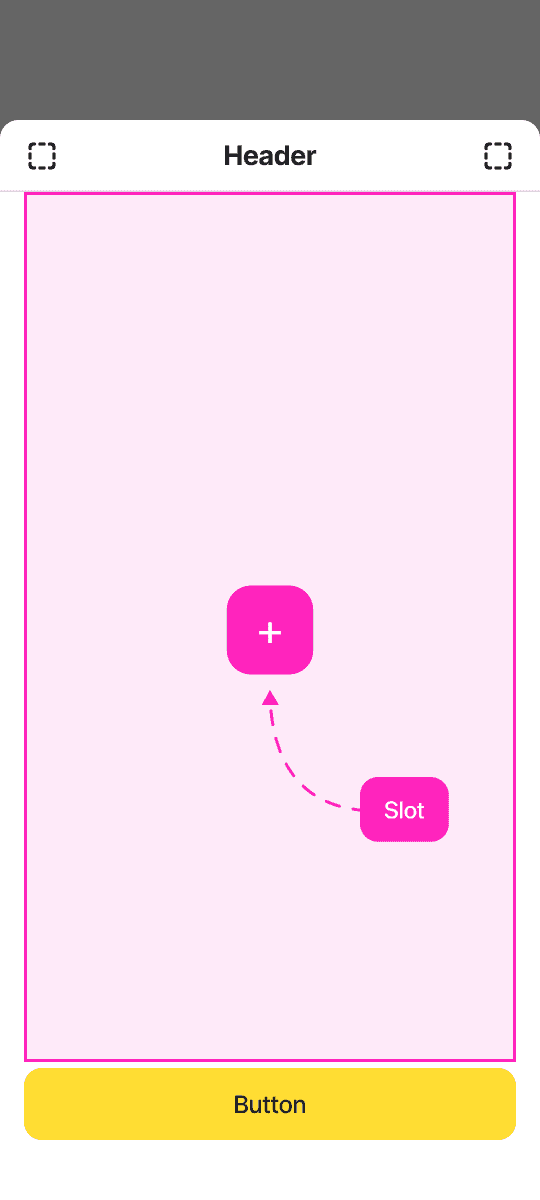
With the introduction of slots, I refactored the existing component and turned the editable area into a slot.
With the introduction of slots, I refactored the existing component and turned the editable area into a slot.
Component structure
Component structure



Safe area
Safe area
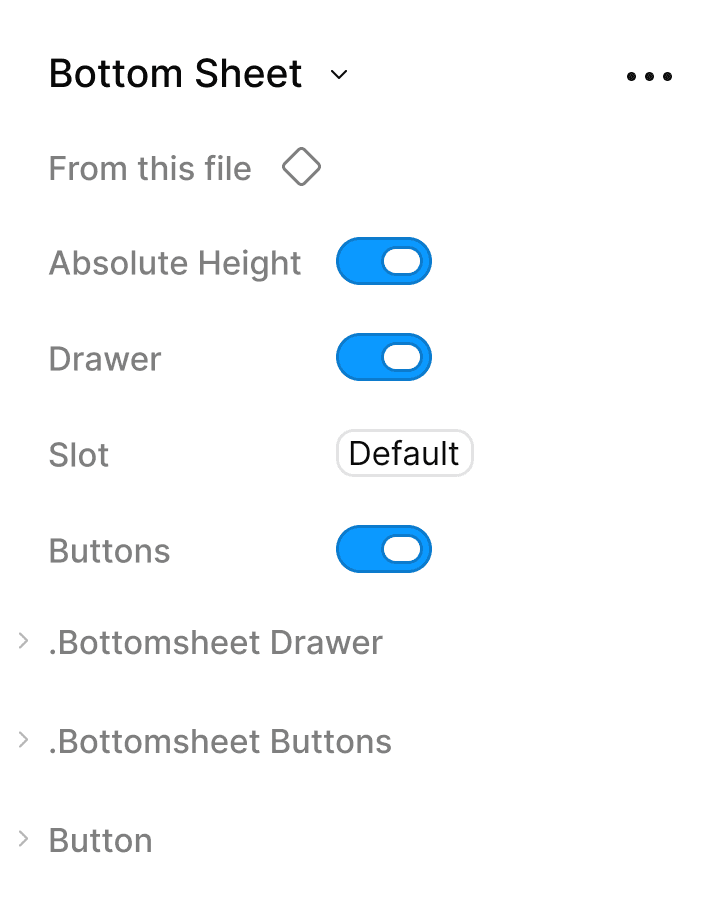
The Absolute Height parameter prevents the bottom sheet from expanding vertically, keeping it within the safe area of 80 px from the top edge of the screen across all devices.
The Absolute Height parameter prevents the bottom sheet from expanding vertically, keeping it within the safe area of 80 px from the top edge of the screen across all devices.


Bottomsheet drawer
Bottomsheet drawer
This is a required component of the bottom sheet (though it can be disabled in certain cases). By default, it must include a header and a close icon on the right, since web sheets cannot be closed via swipe or backdrop tap.
This is a required component of the bottom sheet (though it can be disabled in certain cases). By default, it must include a header and a close icon on the right, since web sheets cannot be closed via swipe or backdrop tap.
A subtitle can be added if needed. The left icon can serve as a back button for multi-step flows or be used for other purposes at the designer's discretion.
A subtitle can be added if needed. The left icon can serve as a back button for multi-step flows or be used for other purposes at the designer's discretion.
The divider can also be shown or hidden based on the designer's goals and preference.
The divider can also be shown or hidden based on the designer's goals and preference.

CTA area
CTA area
In most cases, a bottom sheet requires 1 or 2 buttons.
In most cases, a bottom sheet requires 1 or 2 buttons.
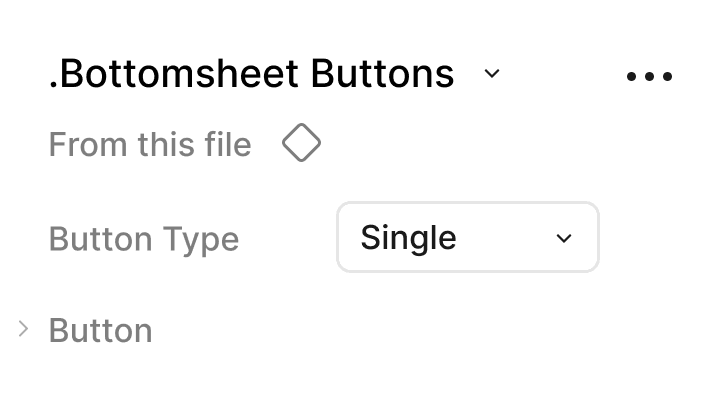
For this purpose, 3 layout options are available:
1. single — a full-width button;
2. double — two buttons in a single row;
3. column — two stacked buttons.
For this purpose, 3 layout options are available:
1. single — a full-width button;
2. double — two buttons in a single row;
3. column — two stacked buttons.
If needed, the primary and secondary buttons can be swapped for other button variants at the designer's discretion.
If needed, the primary and secondary buttons can be swapped for other button variants at the designer's discretion.
Dark mode
Dark mode


Use cases
Use cases